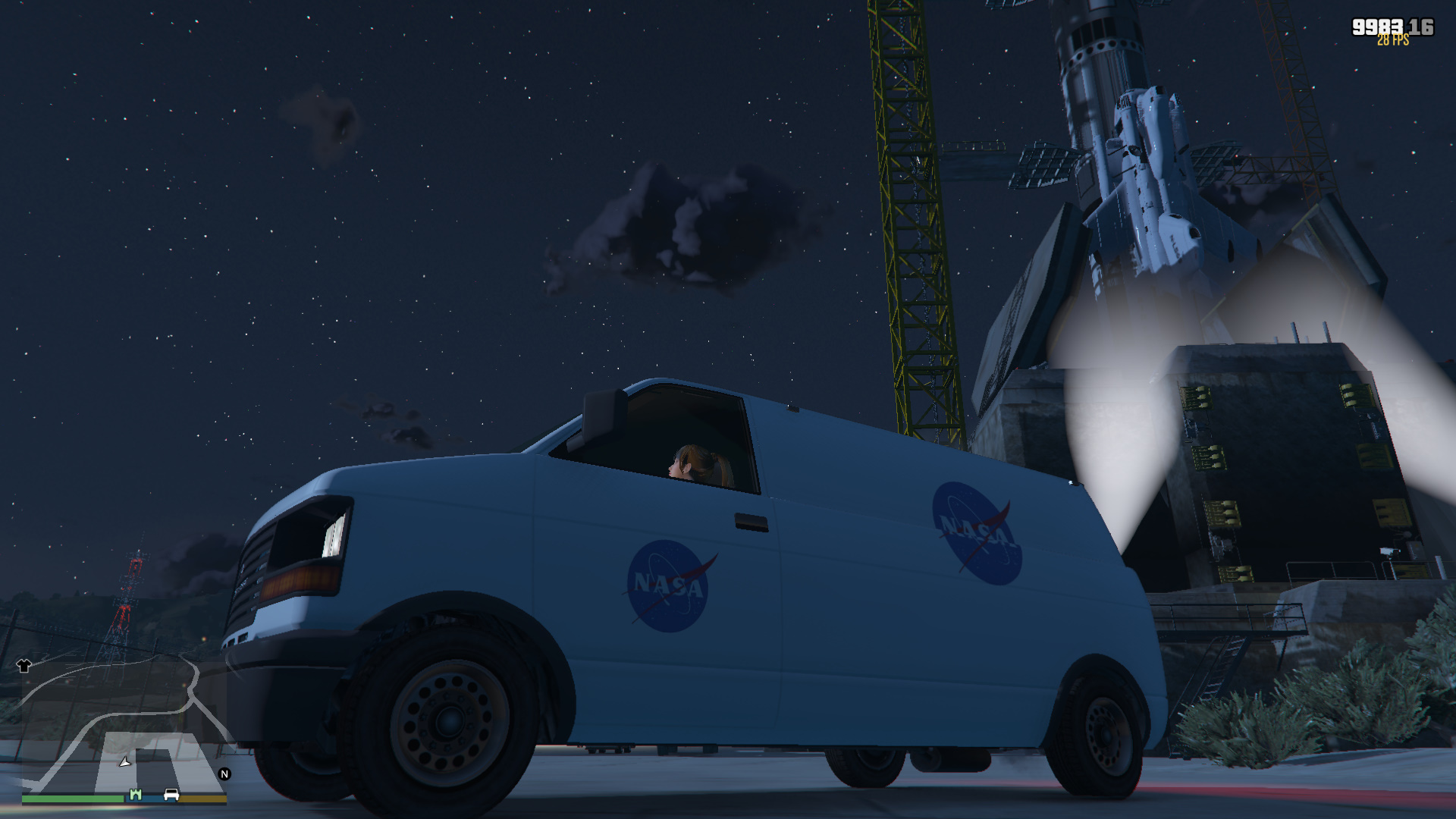
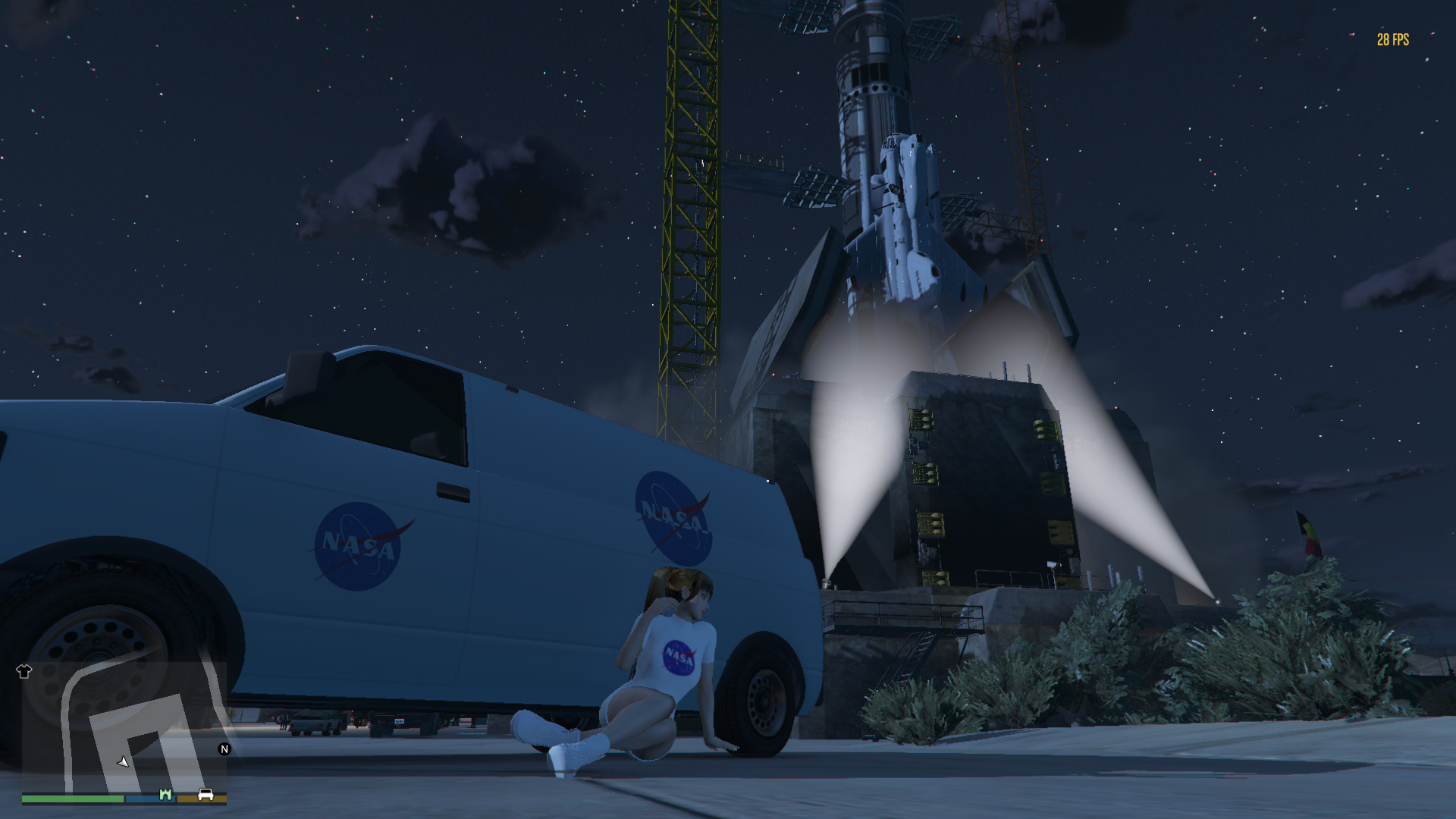
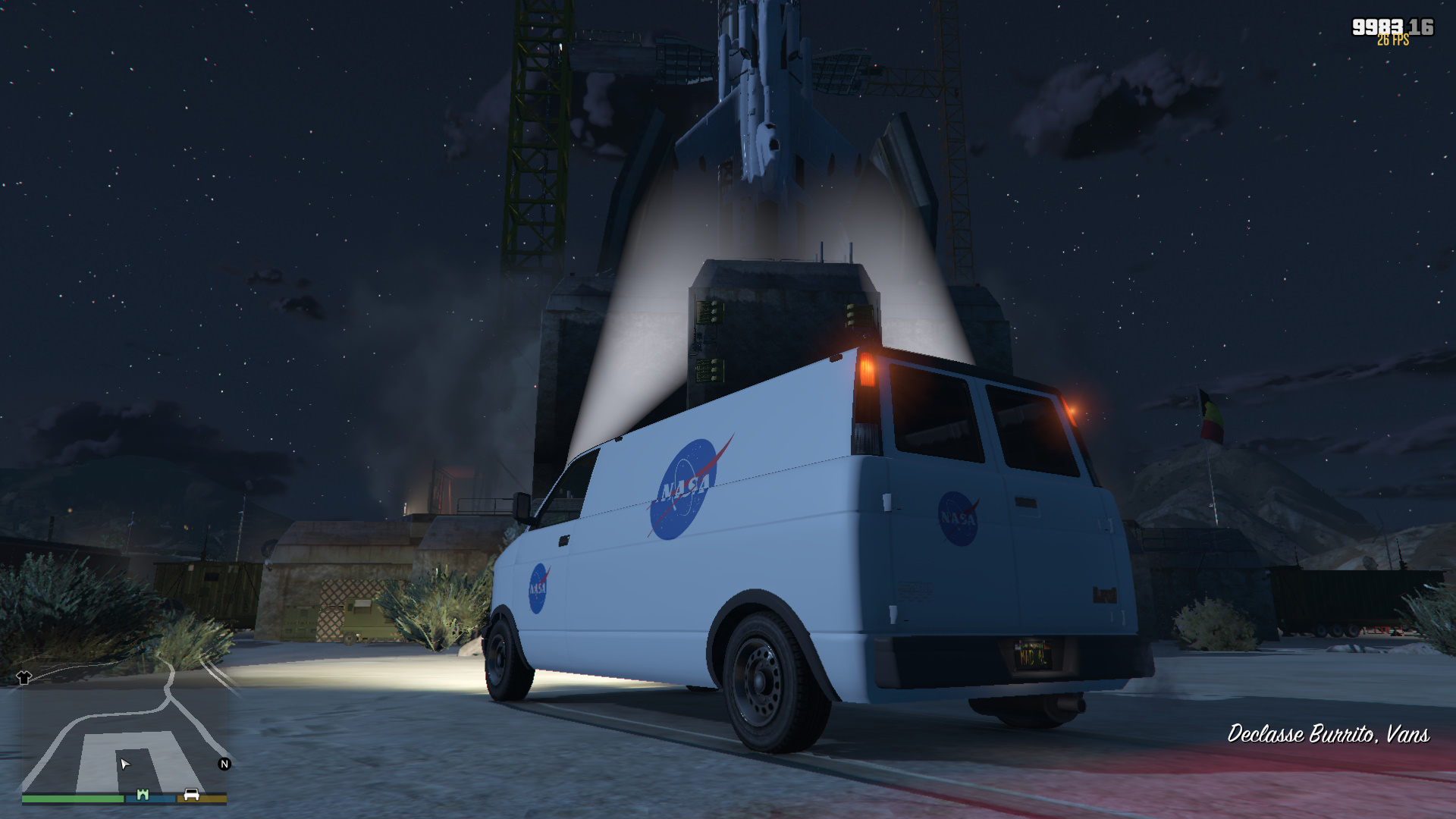
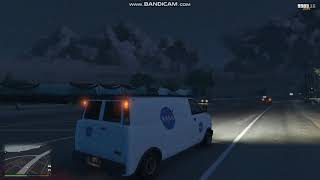
NASA van 1.0
.jpg)
 -on
-on

195
12
195
12
Installation:
1: Extract the "burrito4.ytd" and "burrito4+hi.ytd" files.
2: Add them to "C:\Program Files (x86)\Steam\steamapps\common\Grand Theft Auto V\x64e.rpf\levels\gta5\vehicles.rpf\" using OpenIV.
N.B. Edit mode must be enabled. If you have replaced the existing burrito4 yft models, the original ones are in the "burrito4 model" folder
1: Extract the "burrito4.ytd" and "burrito4+hi.ytd" files.
2: Add them to "C:\Program Files (x86)\Steam\steamapps\common\Grand Theft Auto V\x64e.rpf\levels\gta5\vehicles.rpf\" using OpenIV.
N.B. Edit mode must be enabled. If you have replaced the existing burrito4 yft models, the original ones are in the "burrito4 model" folder
Először Feltöltve: 2019. május 3.
Utoljára Feltöltve: 2019. május 3.
Utoljára Letöltött: 2025. február 19.
2 Hozzászólás
More mods by MrSupercar55:
Installation:
1: Extract the "burrito4.ytd" and "burrito4+hi.ytd" files.
2: Add them to "C:\Program Files (x86)\Steam\steamapps\common\Grand Theft Auto V\x64e.rpf\levels\gta5\vehicles.rpf\" using OpenIV.
N.B. Edit mode must be enabled. If you have replaced the existing burrito4 yft models, the original ones are in the "burrito4 model" folder
1: Extract the "burrito4.ytd" and "burrito4+hi.ytd" files.
2: Add them to "C:\Program Files (x86)\Steam\steamapps\common\Grand Theft Auto V\x64e.rpf\levels\gta5\vehicles.rpf\" using OpenIV.
N.B. Edit mode must be enabled. If you have replaced the existing burrito4 yft models, the original ones are in the "burrito4 model" folder
Először Feltöltve: 2019. május 3.
Utoljára Feltöltve: 2019. május 3.
Utoljára Letöltött: 2025. február 19.
 5mods on Discord

This file has been approved automatically. If you think this file should not be here for any reason please report it.
Hi, do I need to replace the file under the mod folder or the original x64e?